Desktop AI Assistant
LLM-Powered Productivity and Automation
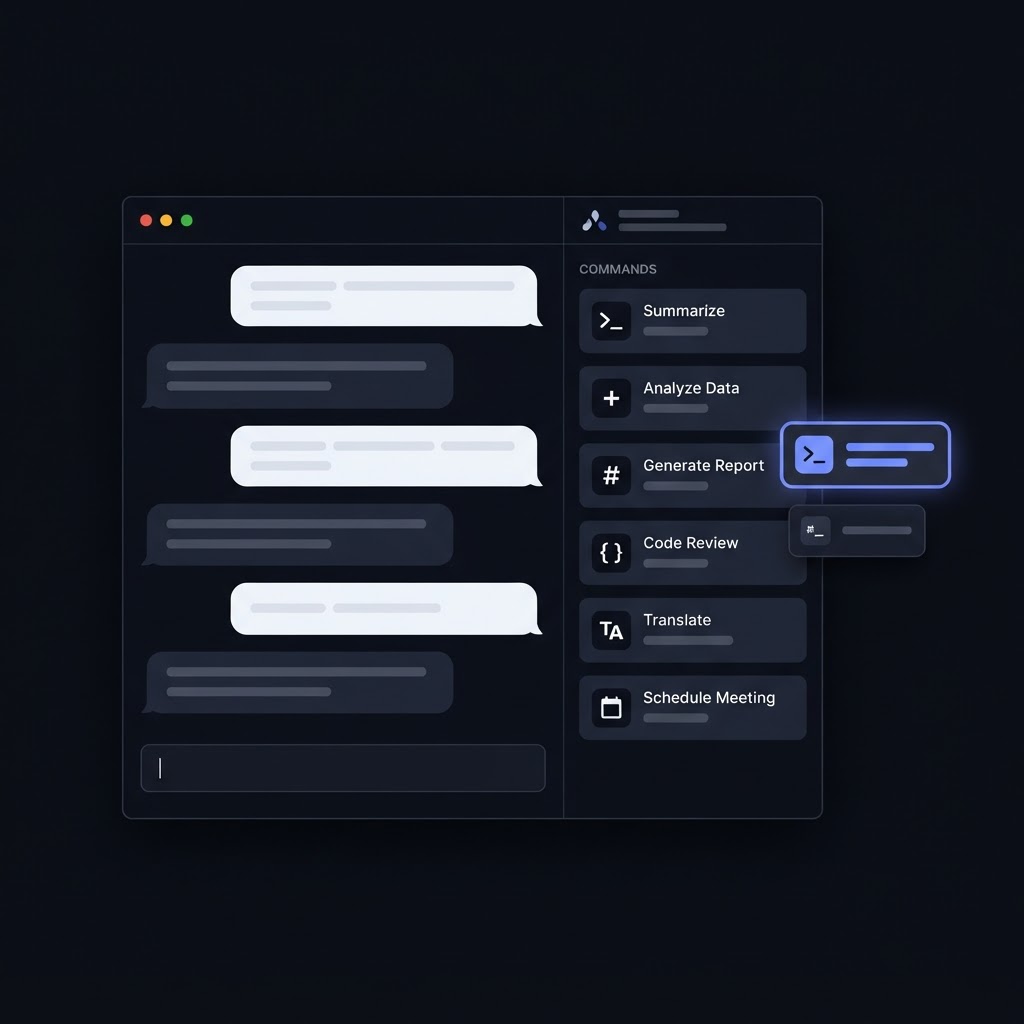
Overview
The Desktop AI Assistant is an intelligent desktop application that combines large language model (LLM) APIs with local system automation to help users complete everyday tasks through natural-language instructions.
Instead of requiring users to navigate multiple applications or execute repetitive actions manually, the assistant provides a conversational interface for interpreting requests and coordinating supported desktop operations. The project explores how AI reasoning can be connected to practical, local computer workflows.
Problem
Routine computer tasks often involve repetitive steps, switching between applications, and remembering specific commands or workflows. Although language models can understand natural-language instructions, they cannot reliably perform local actions without an integration layer that connects model outputs to the operating system and installed tools.
Solution
I developed a desktop assistant concept that connects an LLM API to a local automation layer. The model interprets the user's request and helps determine an appropriate response or action, while the application handles execution through supported system operations.
The architecture separates language understanding from action execution, making it easier to control which operations are available, validate requests, and introduce additional tools over time.
Key features
Natural-Language Interaction
Allow users to express supported tasks in conversational language.
LLM API Integration
Send appropriate prompts or contextual information to a language model and process its responses.
Desktop Automation
Connect AI-assisted workflows to supported local operations.
Task-Oriented Processing
Interpret requests and map them to predefined actions or automation tools.
Context-Aware Responses
Use relevant conversation context to improve the assistant's responses where supported.
Modular Tool Integration
Organize automation capabilities into separate functions that can be extended independently.
Error Handling
Handle failed API requests, invalid actions, and unsuccessful automation steps.
Controlled Execution
Validate proposed actions and request user confirmation for sensitive or potentially destructive operations.
Implementation
The application integrates an LLM API with a desktop runtime and an automation layer. A typical workflow begins when the user submits an instruction. The application sends the required context to the model, interprets the response, validates any proposed action, and dispatches approved operations to the appropriate local tool.
The model should not be treated as a trusted executor. Instead, its output should be interpreted as a request that must pass application-level validation before any system operation takes place. API credentials should be protected, and sensitive local operations should be restricted to an explicit allowlist of supported actions.
This architecture also makes it possible to add new capabilities without tightly coupling them to the conversational interface.
Challenges
- Connecting probabilistic LLM responses to predictable application behavior.
- Designing a reliable interface between AI-generated instructions and local automation tools.
- Handling API failures, timeouts, and unexpected model outputs.
- Protecting API credentials and limiting access to sensitive system resources.
- Preventing unintended actions through validation, permission checks, and confirmation workflows.
- Balancing conversational flexibility with deterministic execution.
Outcome
The project demonstrates practical exploration of LLM integration, desktop application development, automation workflows, and the engineering considerations involved in connecting generative AI to real-world actions.
Technologies
Demonstrates
AI application development, LLM integration, tool orchestration, desktop automation, and safe execution of AI-assisted actions.

